

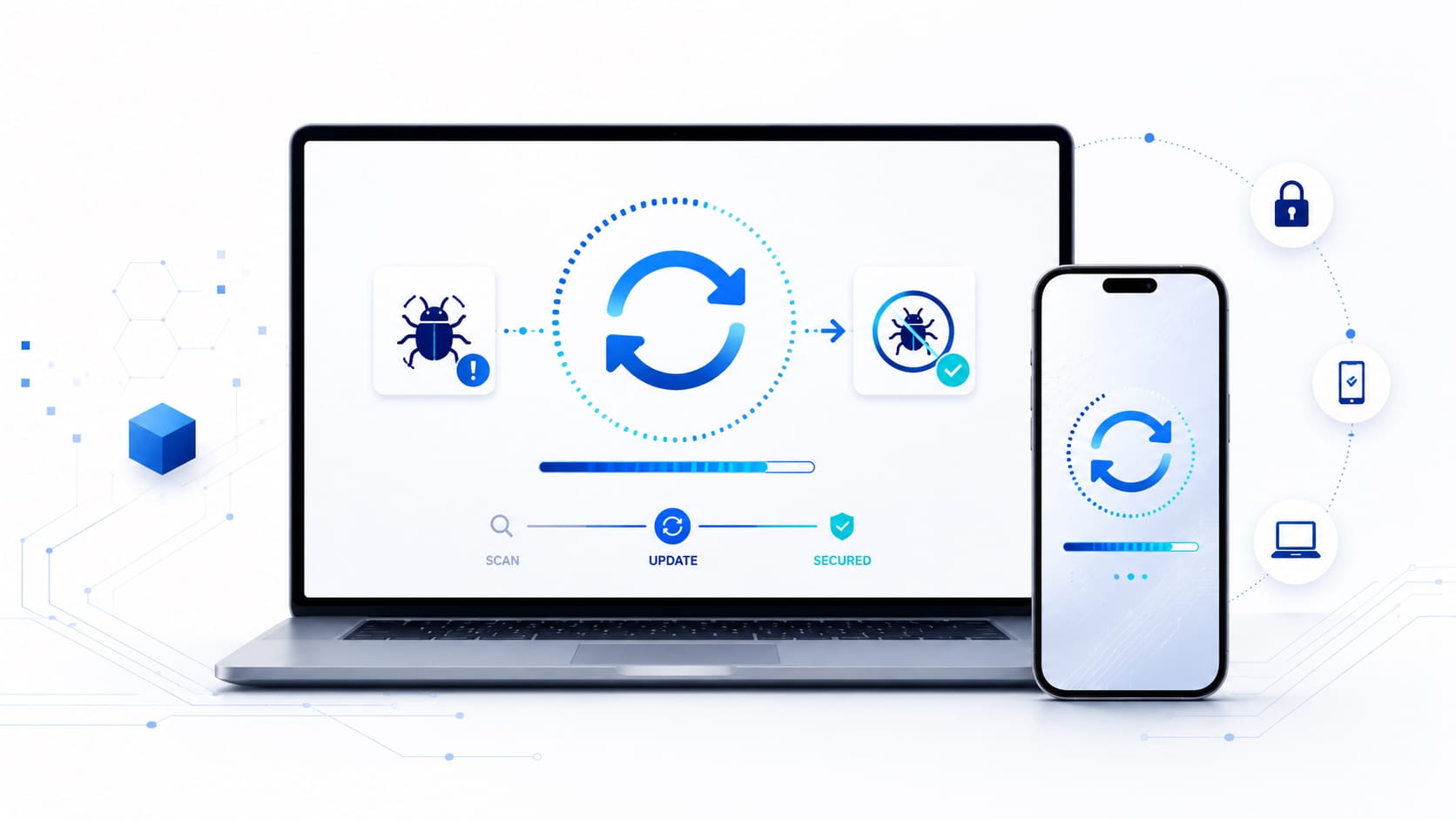
“There is an update available.”
The message appears just as we are working, watching a series or about to leave home. The usual reaction is predictable: click “Not now,” choose “Remind me later,” or postpone the restart for a few more days.
But why do our computers, phones and applications insist so much on being updated? What can actually happen if we decide to wait?
An Update Does More Than Add New Features
When we think of an update, we often imagine design changes, new features or performance improvements. However, many updates have a less visible and far more important purpose: fixing security vulnerabilities.
A vulnerability is a flaw or weakness in software that may allow someone to perform actions they should not be able to perform: access information, execute code, increase their privileges, bypass security controls or take control of a device.
This week, for example, Microsoft released updates addressing at least 570 vulnerabilities across Windows and other products. Nearly 60 were rated critical. The company also fixed three zero-day vulnerabilities, two of which were already being actively exploited.
The figure is striking, but it highlights an important point: software does not remain secure forever simply because it was secure when it was first installed.
When a Patch Is Released, a Race Begins
The discovery of a vulnerability starts a race against time.
On one side, the manufacturer develops and distributes a fix. On the other, attackers analyze the available information to determine how the vulnerability can be exploited on devices that have not yet been updated.
In some cases, they can even examine the patch itself to identify which part of the software was changed and infer where the vulnerability was located. From that point onward, every unpatched device may become an easier target.
A security update should therefore not be understood merely as an improvement. It is also a door that the manufacturer has just closed.
The problem is that, until we install the patch, that door remains open on our own device.
Artificial Intelligence Is Accelerating Both Sides
Artificial intelligence is also changing the speed at which vulnerabilities are discovered and analyzed.
Manufacturers and security researchers can use it to review large amounts of code, identify unusual patterns and uncover flaws that would previously have taken much longer to detect. Microsoft has warned that users may see a higher volume of security updates precisely because AI is enabling more issues to be found, and found more quickly.
But these capabilities are not available only to defenders. Attackers can also use automated tools to analyze known vulnerabilities, combine different weaknesses and develop working exploits more rapidly.
In this environment, the time between the disclosure of a vulnerability and its potential exploitation may shrink considerably. Delaying an update for weeks or months therefore means accepting an increasing level of risk.
Should We Install Every Update Immediately?
Updating promptly is important, but that does not mean doing so without any judgment.
For personal devices, the most practical approach is usually to enable automatic updates for the operating system, browser and frequently used applications. It is also important to restart the device when requested, as some fixes are not fully applied until the restart is completed.
In business environments, particularly where critical systems are involved, updates should be managed through an orderly process. Before deploying a patch widely, it may be necessary to test it, verify compatibility and prepare a recovery procedure.
Patches can occasionally introduce stability problems. For that reason, maintaining current and verified backups remains essential.
The right response is not to ignore updates, but to manage them according to the level of risk and the importance of the system.
Five Simple Habits to Stay Protected
- Enable automatic updates whenever possible.
- Prioritize the operating system, browser, mobile phone and applications connected to the Internet.
- Remember to update routers, security cameras, smart televisions and other connected devices.
- Remove programs and applications you no longer use. Abandoned software can also become an entry point.
- Maintain a backup of important information and verify that it can actually be restored.
Updating Reduces the Time You Remain Exposed
No complex software is completely free from errors. Vulnerabilities may be discovered years after a product was developed, particularly as new analysis techniques and new forms of attack emerge.
Receiving many updates does not therefore necessarily mean that a product is worse. In many cases, it means that its developers are continuing to search for flaws, correct them and protect their users.
The next time the message “An update is available” appears, remember that it is not only about adding a new feature or changing the appearance of an application.
In cybersecurity, every known vulnerability starts a race: the manufacturer tries to close it, while attackers try to exploit it.
Updating determines which side of time you are on.